Best Minecraft Resource Packs for PvP, Low-End PC & HD Graphics
Minecraft, one of the most popular games in the world, allows players to customize their experience with Minecraft resource packs. These packs make it easy to change the game’s graphics, sounds, and textures. Whether you’re a casual player or a hardcore Minecraft fan, finding the best Minecraft resource packs can take your gameplay to the next level. In this guide, we’ll explore the top resource packs, the installation steps, and how to choose the right pack for your style and system.
What Are Minecraft Resource Packs?
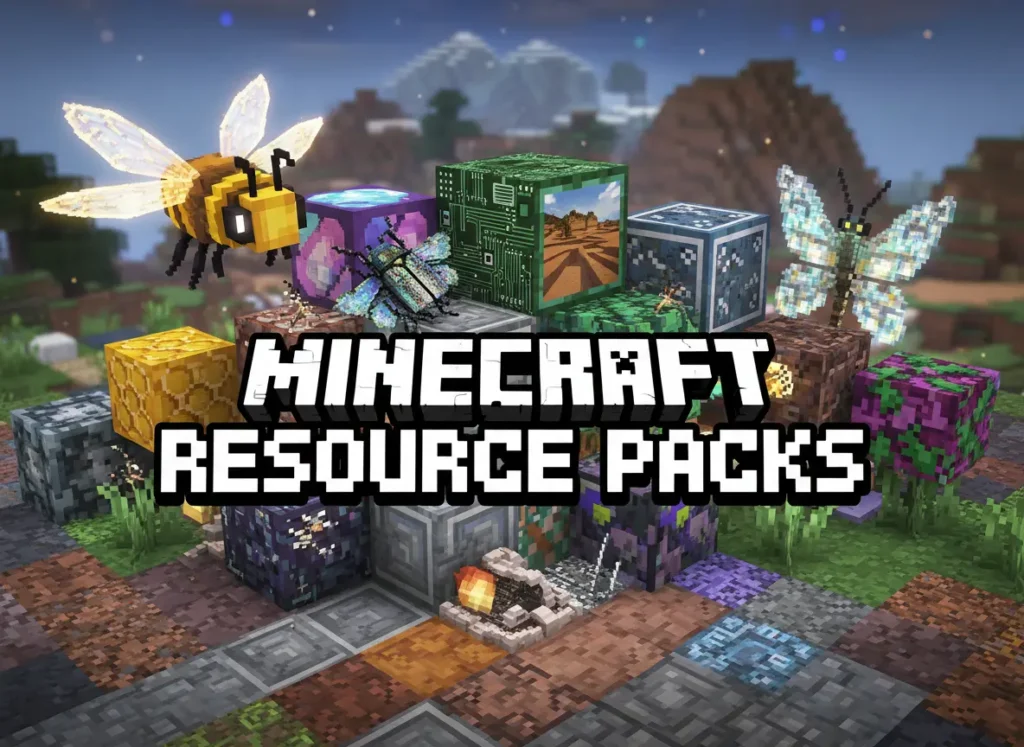
Minecraft resource packs allow you to customize the look, feel, and sounds of the game. They include textures (how blocks, mobs, and items appear), sounds (ambient noises, music), and sometimes even game mechanics (such as user interfaces and animations). These packs come in various themes, from realistic visuals to cartoonish styles, as well as PvP resource packs for players who focus on multiplayer gameplay.
Why Should Use Minecraft Resource Packs?
There are many reasons players choose to install Minecraft resource packs:
Custom Sounds: Some resource packs add custom sounds, bringing more immersion into the game. This can include anything from new sound effects for mobs to a complete overhaul of Minecraft’s soundtrack.
Top Minecraft Resource Packs
Here are some of the best Minecraft resource packs that are highly searched and widely downloaded by players.
Faithful 64x
One of the most popular resource packs, Faithful 64x, keeps the traditional Minecraft style while upgrading the resolution for a sharper and cleaner look. It’s perfect for players who want more detail without altering the game’s overall feel.
X-Ray Ultimate
If you’re looking to speed up mining or simply find ores faster, the X-Ray Ultimate pack is ideal. It highlights ores and valuable blocks, making resource gathering much quicker. This pack is a favorite among players who want an efficient mining experience.
SapixCraft
Known for its smooth textures and high detail, SapixCraft provides a sleek and modern design for Minecraft, without overcomplicating things. This pack is great for high-performance systems but also works well on lower-end PCs if you reduce the resolution.
PureBDcraft
PureBDcraft transforms Minecraft with a cartoonish, comic-book look. It’s one of the best Minecraft resource packs for those who want to enhance their creative experience with bright and vibrant textures.
Default 3D
If you’re a fan of default Minecraft visuals but want a bit more depth, Default 3D adds a subtle 3D effect to your game without completely changing the original look of Minecraft. It’s perfect for players who love the Minecraft default resource packs but want some enhancement in their textures.
BetterVanilla
This pack is designed for builders who want their creations to stand out. BetterVanillaBuilding improves the visuals of blocks and objects, making it easier to create beautiful structures without switching the game’s style.
How to Download and Install Minecraft Resource Packs
Installing Minecraft resource packs is a simple process, and it’s one of the most common searches by players. Here’s a quick guide to help you get started:
Download Pack:
Go to a trusted website, such as resourcepack.net or resourcepacks.gg, and find a pack you like. Be sure to download the .zip file for Java Edition or the .mcpack file for Bedrock.
Open Minecraft:
Open Minecraft and go to Options > Resource Packs.
Click Open Resource Pack Folder, and this will open the file explorer.
Install the Pack:
Drag and drop the .zip or .mcpack file into the opened folder.
After moving the file, go back to Minecraft and the pack will show up in your Available Packs section. Click to enable it.
Enjoy Pack:
Once installed, the resource pack will be applied immediately. You can switch packs or tweak settings at any time.
Choosing the Best Minecraft Resource Packs
When choosing a Minecraft resource pack, consider the following:
Conclusion
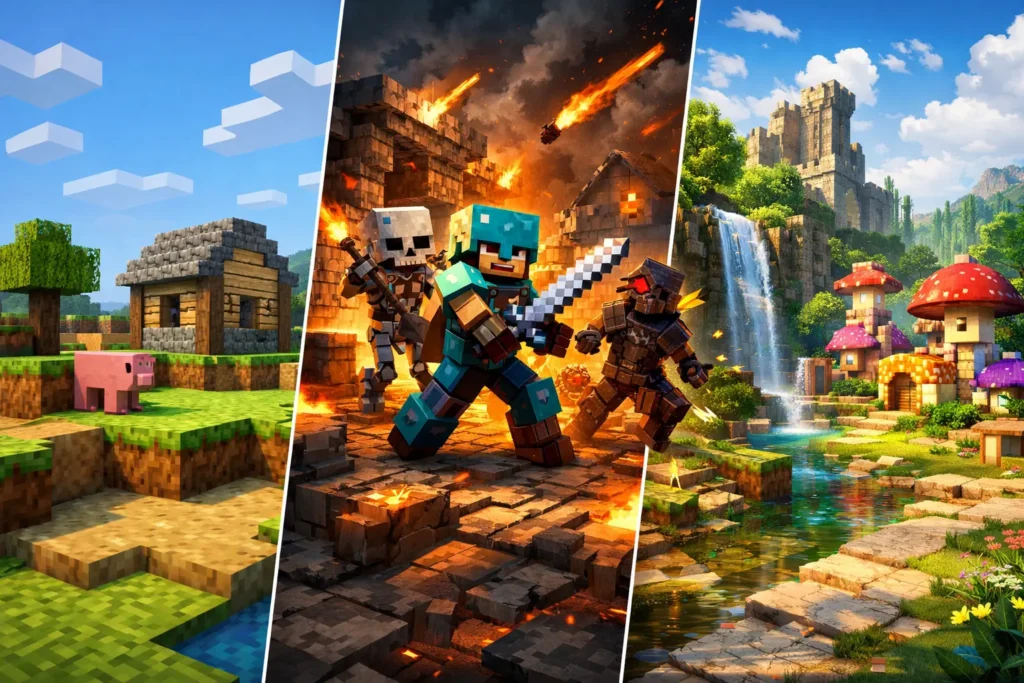
Minecraft resource packs are a great way to enhance your game and personalize your experience. Whether you’re looking for realistic textures, PvP advantages, or just a fresh look, there’s a Minecraft resource pack for everyone. From X-Ray resource packs to HD texture packs, there’s no limit to what you can do with these mods. Download your favorite pack, install it, and dive into a new Minecraft world today!